Add configuration
The “Add” button allows you to create a new configuration; you just need to provide a name for it.
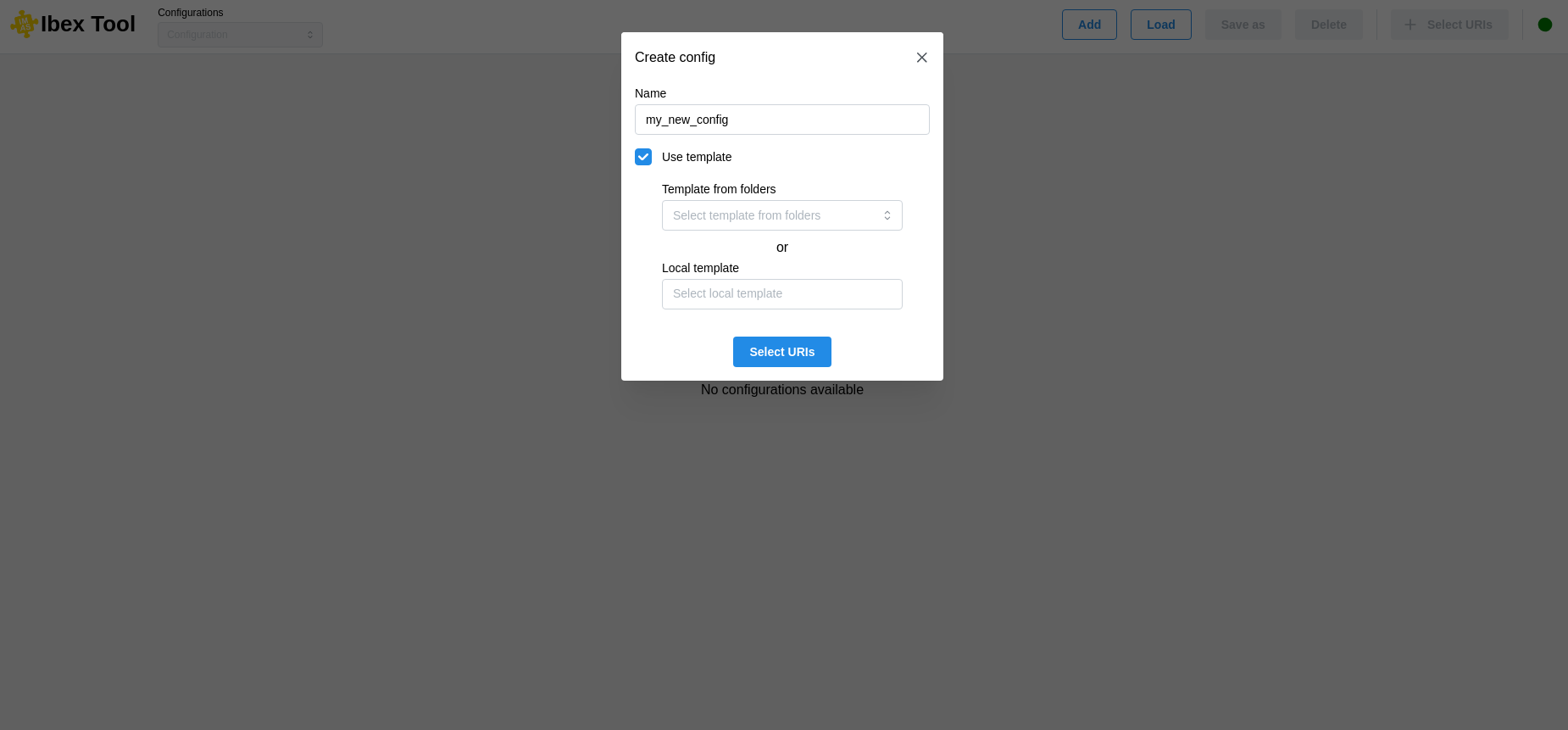
It is possible to create a configuration from a template. To do this, you must tick the “Use template” box and then select a configuration file.
There are two ways to do this:
The first is to select a configuration from a list of predefined folders in the user preferences (see Preferences).
The second option is to select a local file directly from your machine.
Once the configuration has been created, it will then be necessary to add URIs (see Add uri).